
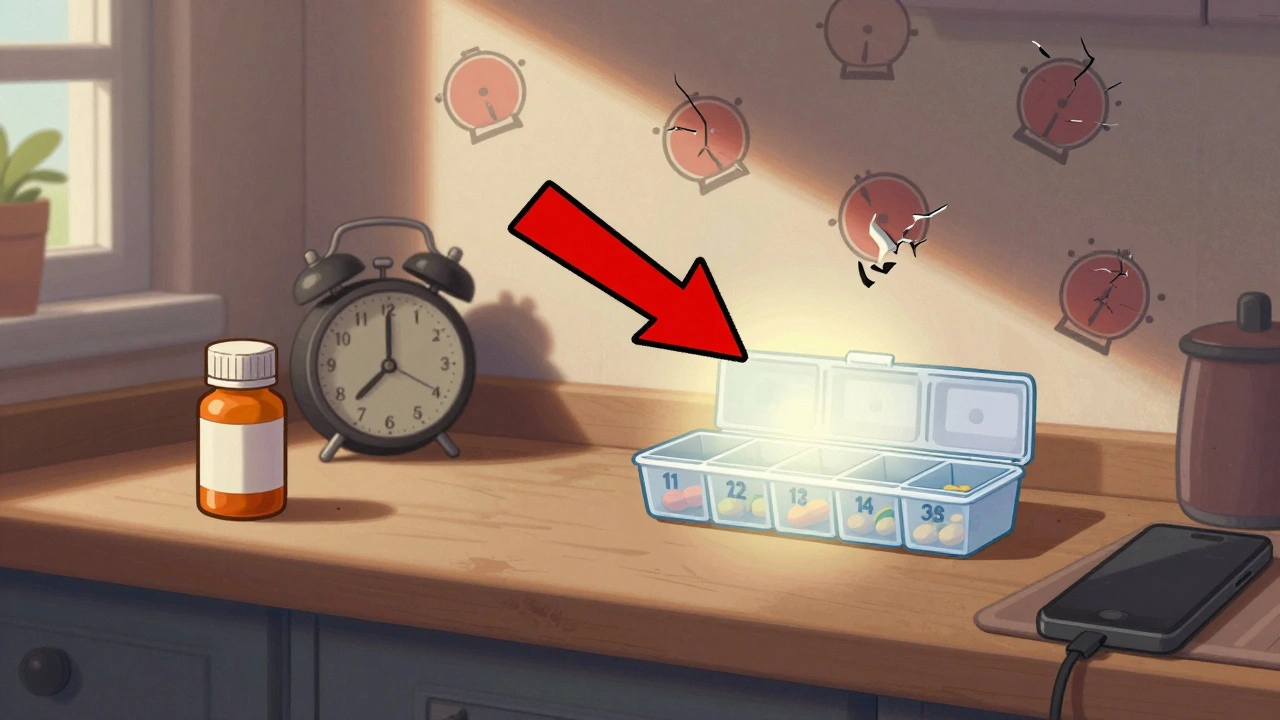
More than half of people taking long-term medications miss doses at least once a month. It’s not laziness. It’s not forgetfulness alone. It’s complexity - too many pills, conflicting times, busy days, and alarms that don’t actually work. You set up a reminder, but it doesn’t go off. Or it goes off at the wrong time. Or you ignore it because you’ve heard it 20 times before. By the time you realize you missed your blood pressure pill, it’s too late. And the cycle repeats.
The good news? You don’t need to be tech-savvy to fix this. You just need the right system - one that actually fits your life, not the other way around.
Why Most Medication Reminders Fail
Most people try a basic phone alarm. It works for a few days. Then life happens. You sleep through it. You turn it off without taking the pill. You change your schedule, but the alarm stays stuck at 8 a.m. even though you now take your meds at 10 p.m. You delete the app because it’s "too much hassle."
Here’s what really breaks medication reminders:
- Single-channel alerts - Just a phone buzz? You miss it if your phone’s on silent or in another room.
- Wrong time zones - Daylight saving changes throw off alarms by an hour. This happens more than you think.
- No verification - If you don’t confirm you took the pill, the app can’t track whether you actually did.
- Too many alarms - Five pills at three times a day? That’s 15 alerts. Your brain shuts down.
- No backup - If your phone dies, your reminders vanish.
Studies show that using just one type of alert - like a phone notification - leads to only 48% adherence. But when you combine push notifications + SMS + voice call, adherence jumps to 87%. That’s not a small difference. That’s the difference between staying out of the hospital and ending up there.
Step-by-Step: How to Set Up a System That Actually Works
Forget downloading every app you find. Pick one that matches your needs. Here’s how to build a working system in under 90 minutes.
- Choose the right app - For most people in Australia, MedAdvisor is the best starting point. It connects directly to your pharmacy, so refill alerts come automatically. If you’re not near a pharmacy partner, use Medisafe. It’s free, works offline, and lets you take a photo of your pill to confirm you took it. Avoid apps that don’t let you verify doses - they’re just glorified alarms.
- Enter your meds correctly - Don’t type "BP pill." Type the full name: "Lisinopril 10mg." Use the app’s built-in drug database (RxNorm). It auto-fills correct names, dosages, and instructions. This cuts input errors by 73%. If the app doesn’t have this, you’re setting yourself up for mistakes.
- Set the right time - Match your actual routine. If you take your pill after breakfast, set it for 8:30 a.m., not 8 a.m. If you take it at night, set it for when you’re actually in bed. Don’t set it for when your doctor says - set it for when you’ll remember.
- Enable multiple alerts - Turn on push notifications and SMS. If your phone is dead or in another room, the text message will still come through. Some apps let you add a voice call too. Use it. One user in Melbourne told us her dad missed doses until they added a daily automated voice call from MedAdvisor. He answered every time.
- Require photo confirmation - This sounds weird, but it works. After the alarm goes off, the app asks you to take a picture of the empty pill container or the pill in your hand. This isn’t surveillance - it’s proof. Studies show this cuts false reports by 89%. You’re not lying to yourself anymore.
- Set up a caregiver - If you have someone helping you - a spouse, child, nurse - give them access. Not full control. Just "view-only" at first. They’ll get a notification if you miss a dose. No yelling. No guilt. Just a gentle "Hey, did you take your pill?" That’s all it takes to change behavior.
- Test it for 3 days - Don’t wait for a problem. Set your alarms for 9 a.m., 1 p.m., and 7 p.m. for three days. See if they go off. See if you get the texts. See if you remember to take the picture. If one fails, fix it now.
What to Do If You Have More Than 5 Medications
Having 10 pills a day? You’re not alone. But your brain can’t handle 15 alarms. Here’s how to simplify:
- Group by time - Take all morning pills together. All evening pills together. Even if your doctor prescribed them at different times, ask if they can be grouped. Most can.
- Use staggered alerts - Set the first alarm for your first pill. Then, 5 minutes later, the second. Not all at once. This prevents alert fatigue.
- Use a smart pill dispenser - Devices like Hero Health or MedMinder automatically release pills at the right time. They beep, flash, and even call your caregiver if you don’t open the compartment. They cost $150-$200/month, but if you’re in and out of hospital, they pay for themselves.
- Use a physical pill organizer - A simple seven-day box with AM/PM compartments costs $10. Put your pills in on Sunday. Add a small alarm clock next to it. Set it for each dose time. It’s low-tech, but it works for people who can’t stand apps.
How to Avoid the Biggest Mistakes
Here are the top three errors people make - and how to avoid them.
- Not checking time zones - When daylight saving starts or ends, your phone changes automatically - but not always the app. Go into your app settings after the clock change and confirm all times are still correct. MedAdvisor and Medisafe auto-update, but not all apps do.
- Ignoring permission settings - If your phone blocks background notifications, your alarms won’t work. Go to Settings > Notifications > [Your App] and make sure "Allow Notifications" is on. Turn on "Lock Screen," "Sound," and "Persistent." If you don’t, you’re setting yourself up to fail.
- Not linking to your pharmacy - If your app doesn’t connect to your pharmacy, you’ll forget to refill. MedAdvisor and Mango Health auto-sync with pharmacies. If yours doesn’t, set a calendar reminder for 3 days before your script runs out. Don’t wait until you’re out.
What Works for Seniors (And What Doesn’t)
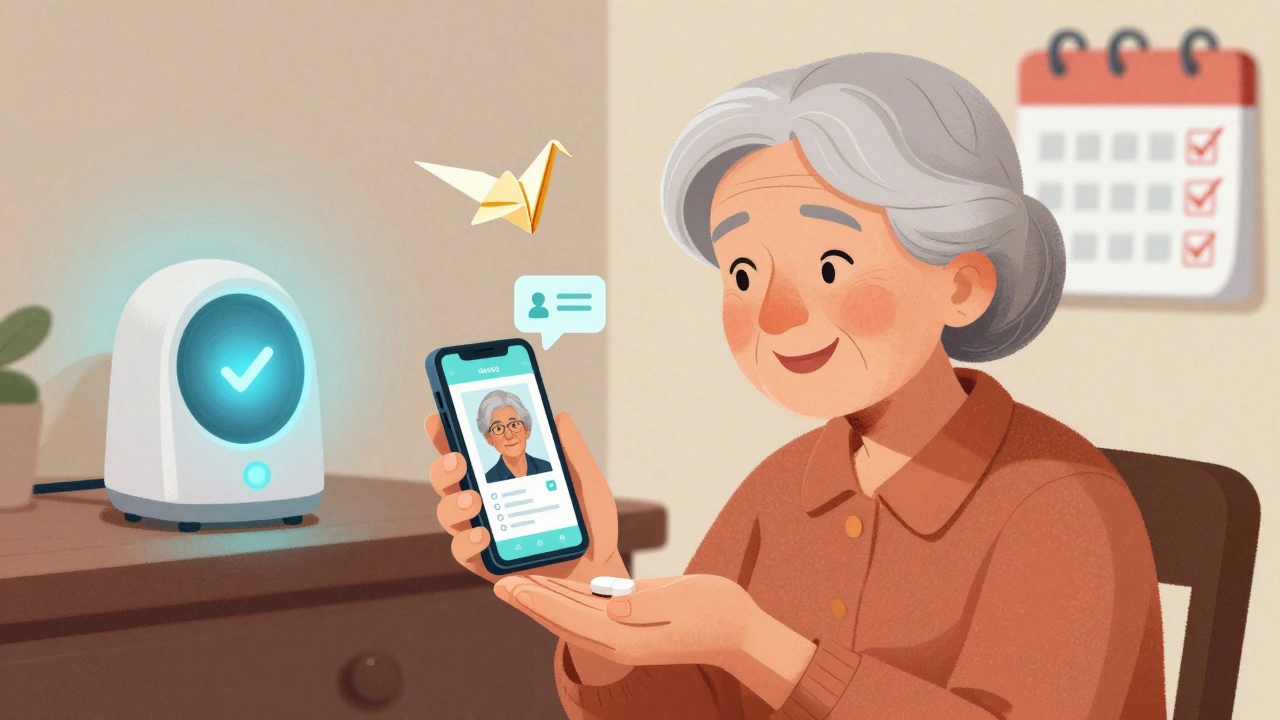
People over 65 are the most likely to miss doses - and the least likely to use apps. But here’s the truth: they’re not resistant to tech. They’re resistant to bad design.
Apps that work for seniors have:
- Large buttons
- Simple voice commands
- One-tap confirmation
- No gamification (no badges, no streaks - they find it patronizing)
One study found that seniors using MedAdvisor with a voice-activated reminder system increased adherence from 51% to 88% in 6 weeks. Meanwhile, apps with colorful icons and animated characters saw higher abandonment rates.
For seniors, pairing a simple app with a physical pillbox and a weekly check-in from a family member is the most effective combo. Not the app alone. Not the box alone. Both.
What’s Next: The Future of Medication Reminders
By 2025, Medicare in the U.S. will start penalizing doctors if patients don’t take their meds. That means pharmacies and insurers are pushing harder to get people on better systems. New tech is coming:
- Smart pills - Tiny sensors inside pills that send a signal to your phone when swallowed. FDA-approved and already in use for some epilepsy and mental health meds.
- AI predictions - Apps that notice you’ve been skipping afternoon doses and suggest moving them to morning - automatically.
- Wearable integration - If your smartwatch detects your heart rate spikes at 2 p.m., it might remind you: "You missed your beta-blocker at 1 p.m. Want to take it now?"
But none of that matters if the system doesn’t fit your life today.
Real Results: A Story from Melbourne
Barbara, 72, takes 8 medications for diabetes, high blood pressure, and arthritis. She tried three apps. All failed. She got frustrated. Then her daughter helped her set up MedAdvisor with SMS alerts and photo confirmation. They also bought a $15 pill box with a built-in alarm.
Barbara now takes her pills on time 94% of the time. Her last blood test showed her sugar levels dropped from 9.1 to 6.8. Her doctor said it was the best improvement she’d seen in two years.
"It wasn’t the app," she said. "It was that someone made sure it actually worked for me."
Frequently Asked Questions
What’s the best free medication reminder app?
For most people, Medisafe is the best free option. It works offline, lets you confirm doses with photos, and syncs across devices. If you’re in Australia and use a pharmacy like Chemist Warehouse or TerryWhite Chemmart, MedAdvisor is even better - it links to your prescriptions and sends refill alerts automatically. Both are free to use with basic features.
Why does my medication alarm keep turning off?
Your phone’s battery optimization is likely killing the app in the background. Go to Settings > Battery > Battery Optimization > [Your App] and select "Don’t optimize." Also check Notification settings to ensure "Allow Notifications" is turned on for lock screen, sound, and persistent alerts. This fixes 80% of silent alarm failures.
Can I use my smartwatch for medication reminders?
Yes - but only as a backup. Smartwatches have small screens and short battery life. They’re great for vibrating alerts, but you still need a phone app to log doses, track adherence, and connect to pharmacies. Use your watch to get the initial alert, then open the app on your phone to confirm you took the pill.
What if I forget to take my pill and the alarm already went off?
Most apps let you snooze or mark a dose as "late." Don’t mark it as "taken" if you didn’t take it. Being honest with the app helps it learn your patterns. If you miss a dose three times in a week, some apps will notify your caregiver or suggest a time change. That’s the point - not to shame you, but to help you adjust.
Do I need to pay for a premium version?
No - not at first. Free versions of Medisafe and MedAdvisor cover 90% of what you need: reminders, photo confirmation, caregiver access, and refill alerts. Pay only if you need advanced features like detailed adherence reports for your doctor, or integration with your hospital’s electronic records. Most people never need to upgrade.
How do I know if my system is working?
Look at your adherence score. Most apps show this as a percentage. If it’s above 90% for two weeks straight, you’ve built a working system. If it’s below 70%, go back and check: Are alarms going off? Are you confirming doses? Is your pharmacy linked? Fix one thing at a time. Small changes add up.
Next Steps
Start today. Pick one app. Add one medication. Set one alarm with a photo confirmation. Test it tomorrow. Don’t wait until you miss a dose. Don’t wait until you’re in the hospital. Your health isn’t a backup plan.
If you live with someone who takes multiple meds, help them set this up. Don’t assume they know how. Don’t assume they want to. Just sit with them for 20 minutes. Show them how to take a picture of their pill. Let them choose the alarm sound. Make it theirs.
Medication adherence isn’t about being perfect. It’s about being consistent. And consistency starts with a reminder that actually works.
Ashish Vazirani
December 7, 2025 AT 19:04Mansi Bansal
December 9, 2025 AT 16:11Katie O'Connell
December 10, 2025 AT 21:49Inna Borovik
December 12, 2025 AT 21:02Annie Gardiner
December 14, 2025 AT 15:36Rashmi Gupta
December 15, 2025 AT 09:40Andrew Frazier
December 16, 2025 AT 19:32Kumar Shubhranshu
December 17, 2025 AT 16:04Mayur Panchamia
December 17, 2025 AT 23:03Karen Mitchell
December 19, 2025 AT 13:32Geraldine Trainer-Cooper
December 21, 2025 AT 09:42Nava Jothy
December 22, 2025 AT 00:01Kenny Pakade
December 22, 2025 AT 23:06olive ashley
December 23, 2025 AT 14:22